

https://xroute.ai/personal/keys) allows you to generate and manage secret API keys used by applications, backend services, and coding agents to authenticate against XRoute endpoints.
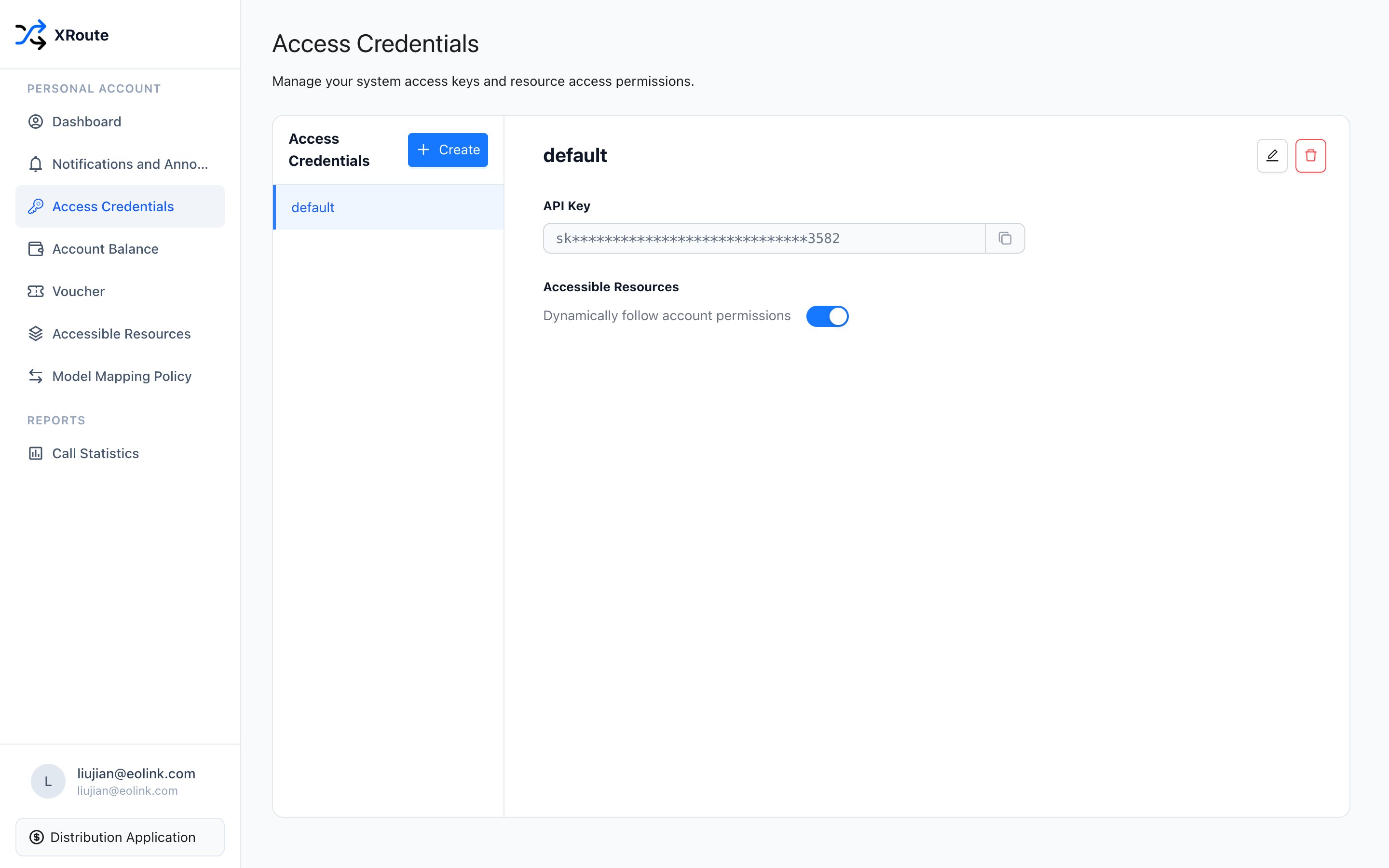
XRoute Access Credentials management interface
Default Key
Upon account registration, XRoute automatically creates a primary credential nameddefault:
- Key Format: Starts with
sk-followed by an encrypted hexadecimal token. - Resource Scope: By default, it dynamically inherits all resource permissions assigned to your account and joined resource groups.
- Actions:
- Click the Eye icon to view the unmasked key or click Copy to copy the secret key to your clipboard.
- View the creation timestamp and authorized resource groups.
Creating New API Keys
To isolate credentials across distinct environments (e.g. Production vs. Staging) or different applications:- Click Create at the top right of the credentials card.
- In the modal, provide a descriptive Credential Name (e.g.
claude-code-cli,cursor-ide,prod-backend). - Set resource permission scope:
- Dynamic follow: Automatically gains access to all models enabled for your account.
- Custom scope: Bind this credential strictly to specific resource groups or models.
- Click Confirm to generate the new API key.